
Download and install pogo on your device
We provide installation paths for Android and iOS users. Android users can download our APK directly from our website and install it by enabling unknown sources in device settings. iOS users access pogo via a web app through their browser—no separate app download is needed. Both paths lead to the same account and balance, so your choice depends purely on your device type and personal preference.
Four steps to get started on pogo
- Download the APK (Android only): Visit our website on your Android device, locate the download link, and tap to save the file to your device.
- Enable installation from unknown sources: Go to your device settings, find Security, and toggle "Unknown Sources" or "Install Unknown Apps" to allow APK installation.
- Install and open pogo: Open your file manager, find the pogo APK file, tap it, and follow the on-screen prompts to complete installation.
- Create your account or sign in: Open pogo, enter a new username and email (or sign in if you already have an account), set up your payment method via DANA, e-wallet, mobile banking, local payment, online payment, e-wallet, mobile banking, local payment, online payment, or e-wallet, and start playing.
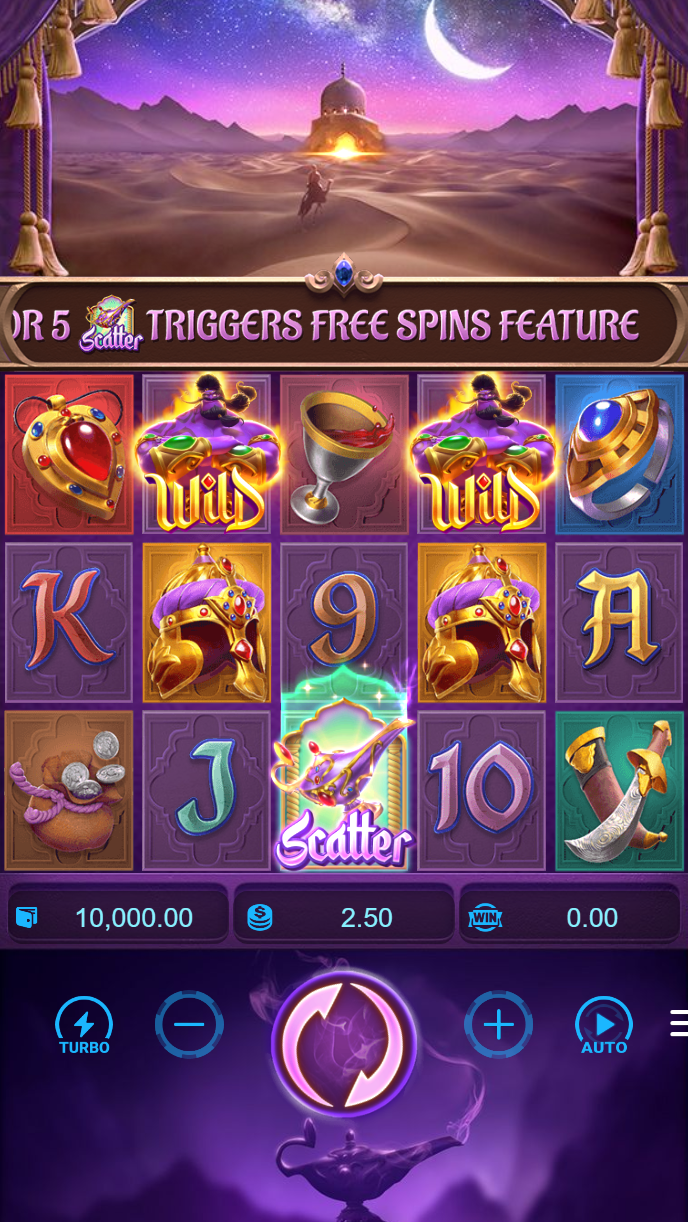
App versus browser access on pogo
Our Android APK offers several advantages over browser access. The app caches data locally, so slot games and tournament schedules load faster once you have opened them once. Push notifications alert you when tournaments start, when your payout is ready, or when new events are live. The app also runs in the background, so you can receive notifications even when you are not actively using pogo. Android users typically report smoother performance during peak hours because the app does not rely on your browser's memory management.
iOS users access pogo through Safari or another browser and get a responsive web experience optimized for touch. You will see the same games, markets, and features as Android users. Browser access works just as well for deposits, withdrawals, account settings, and gameplay—the main trade-off is that push notifications are not available via browser, and the interface does not cache as aggressively. Both methods are secure and reliable. Choose app for faster performance and notifications, or browser if you prefer not to install a separate application.
Same account, any device
Your pogo account works on Android, iOS, and desktop. Log in once and your balance, tournament history, and saved payment methods follow you across all devices.
Device compatibility for pogo
Our Android APK requires Android 7.0 or later. Most phones sold in the past five years meet this requirement. If your device is older, you can still access pogo via the web browser as long as your device can run Chrome, Firefox, or Safari. We recommend a device with at least 100 MB of free storage for the APK and a stable internet connection (4G or WiFi) for smooth gameplay. On iOS, we support iPhone and iPad running iOS 12 or later. Older iOS devices will have trouble with some games but may still load the main interface.
Troubleshooting common installation issues
If your Android device says "Installation blocked," check that you have enabled "Unknown Sources" in Settings. Some devices label this "Install Unknown Apps" and assign it per-app, so you may need to allow your file manager to install apps. If the APK file appears corrupted after download, delete it and try downloading again—occasionally network interruptions cause incomplete downloads. For iOS, if the web app does not add to your home screen, try opening Safari, visiting our site, tapping Share, and selecting "Add to Home Screen." This creates a shortcut that functions like a native app. If you encounter connection timeouts, check your WiFi or mobile data connection and try again after a few seconds.

Data, permissions, and account security on pogo
Our Android APK requests basic permissions: access to your device storage (to cache game data and images), internet access (to connect to our servers), and your device's unique identifier (to tie your session to your account). We do not request access to your contacts, camera, or location. All data sent between your device and our servers is encrypted using standard SSL protocol, the same method used by banks. Your account credentials are never stored on your device in plain text. Once you sign in, we issue a secure session token that expires after a period of inactivity, requiring you to sign in again. We recommend using a strong, unique password for pogo and never sharing your login details.